
How to send a password reset email
Forgot your password, or a parent cannot get into your course? Here is how to reset it.
Your own password
- Go to the login page: www.sleeppro.io/login.
- Click Forgot your password?
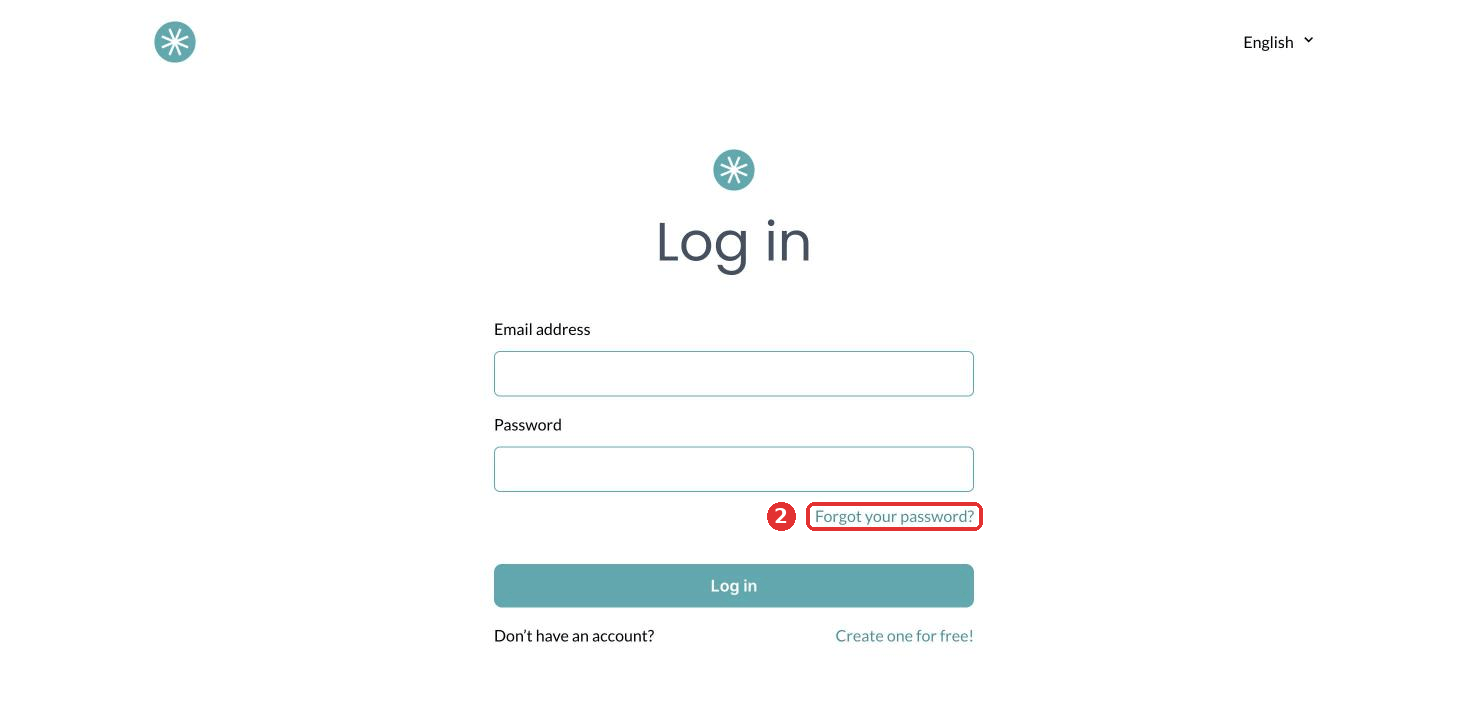
- Enter your account email, tick the reCAPTCHA and click Reset password.
- Open the email you receive and click the link to set a new password.
A student's password for your course area
- Go to the login page of your course area. With your own domain connected, it is yoursleepbusiness.com/dashboard/en/login. Without one, use the login link of your SleepPRO™ subdomain.
- Enter the email the parent used to register and click Reset password.
They receive an email with a link to reset their password and log in to your course.
Did this answer your question?