
How to sell a course bundle
Here is how to sell a bundle of courses, for example your newborn and nap courses together.
You will need a course bundle (see How to create a course bundle), a sales funnel and an order form.
- In your sales funnel, open your order form.
- Choose Digital product as the offer type.
- Choose Create new product, give it a name and click Add product.
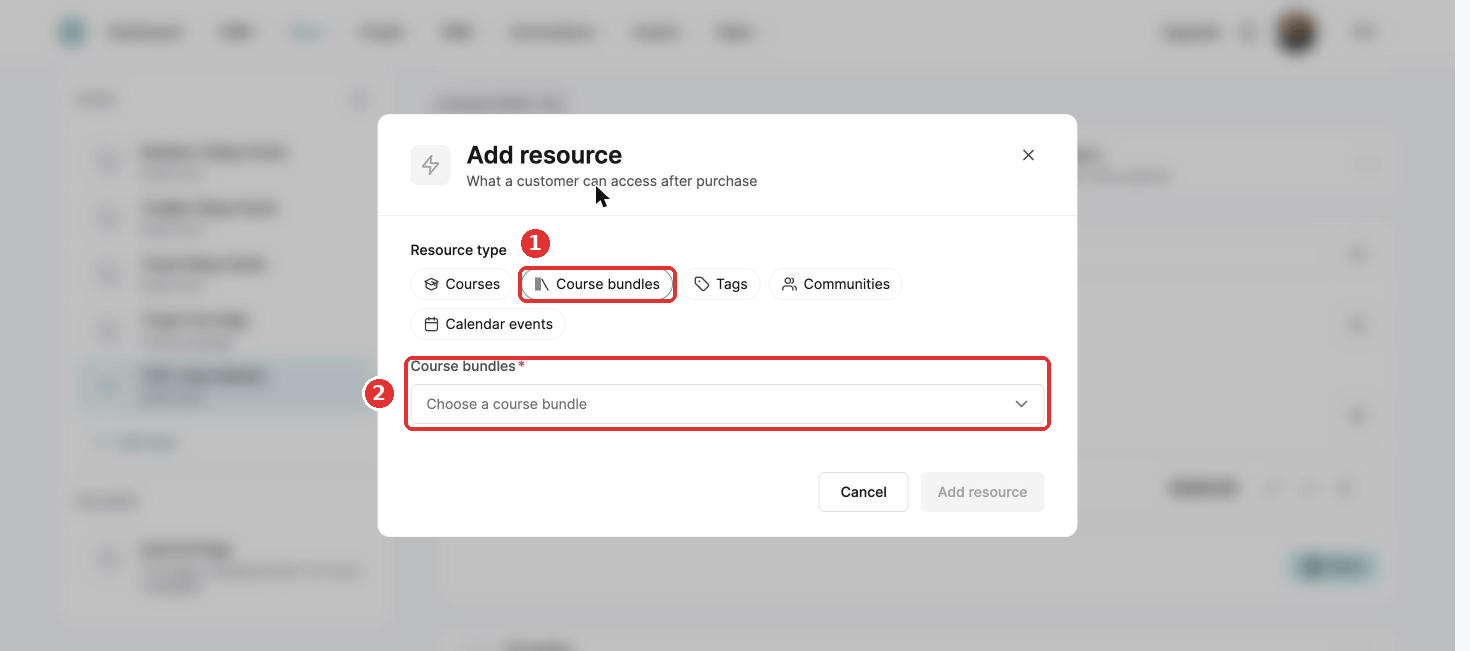
- Click Edit product, then + next to Resources. Select Course bundles and choose your bundle.
- Choose the access type and click Add resource.
- Click Save.
Add a price plan before you can sell. See How to create and configure a price plan.
Did this answer your question?