
How to modify a course's information
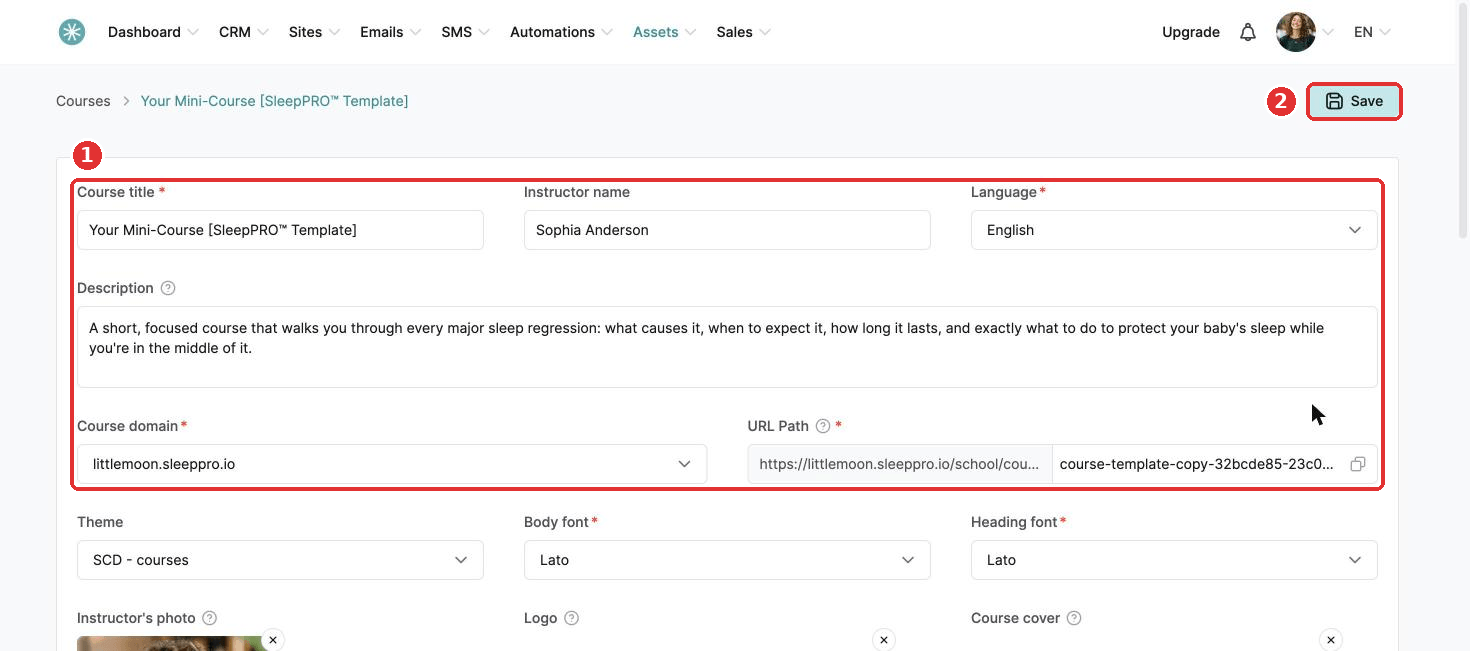
Need to change your course name, domain or theme? Here is how.
- Go to Assets, then Courses.
- Hover over the three dots on your course and click Settings.
- Make your changes.
- Click Save at the top right.
Did this answer your question?