
How to share a sales funnel
You can share a copy of a funnel with another SleepPRO™ account, for example with a fellow sleep consultant.
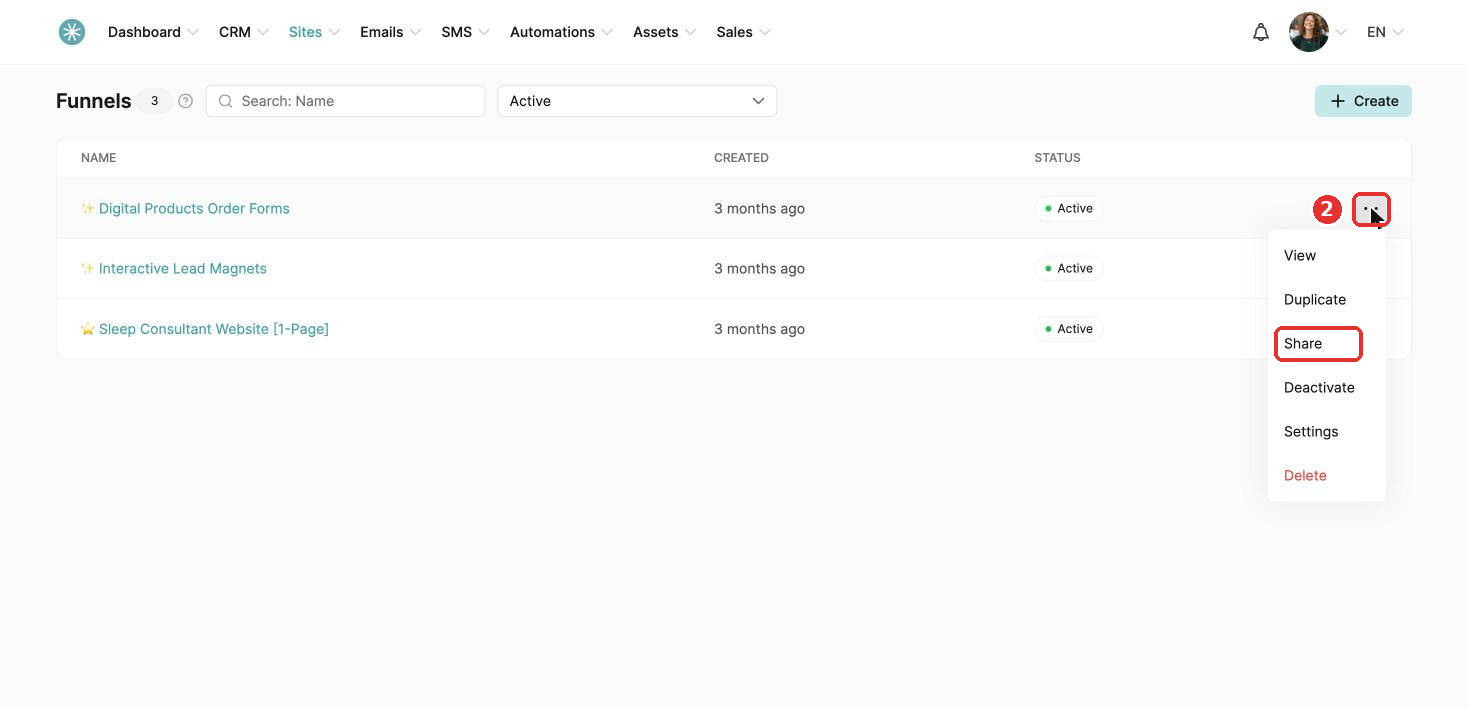
- Go to the Sites tab and click Sales funnels.
- Click the three dots next to the funnel and choose Share.
- Copy the link and send it.
Receiving a shared funnel
- Log in to your SleepPRO™ account.
- Paste the link into your browser's address bar.
- A message confirms the funnel was added. Find it in your list of funnels.
Did this answer your question?