
How to activate a funnel
Here is how to switch a funnel back on.
- Go to the Sites tab and click Sales funnels.
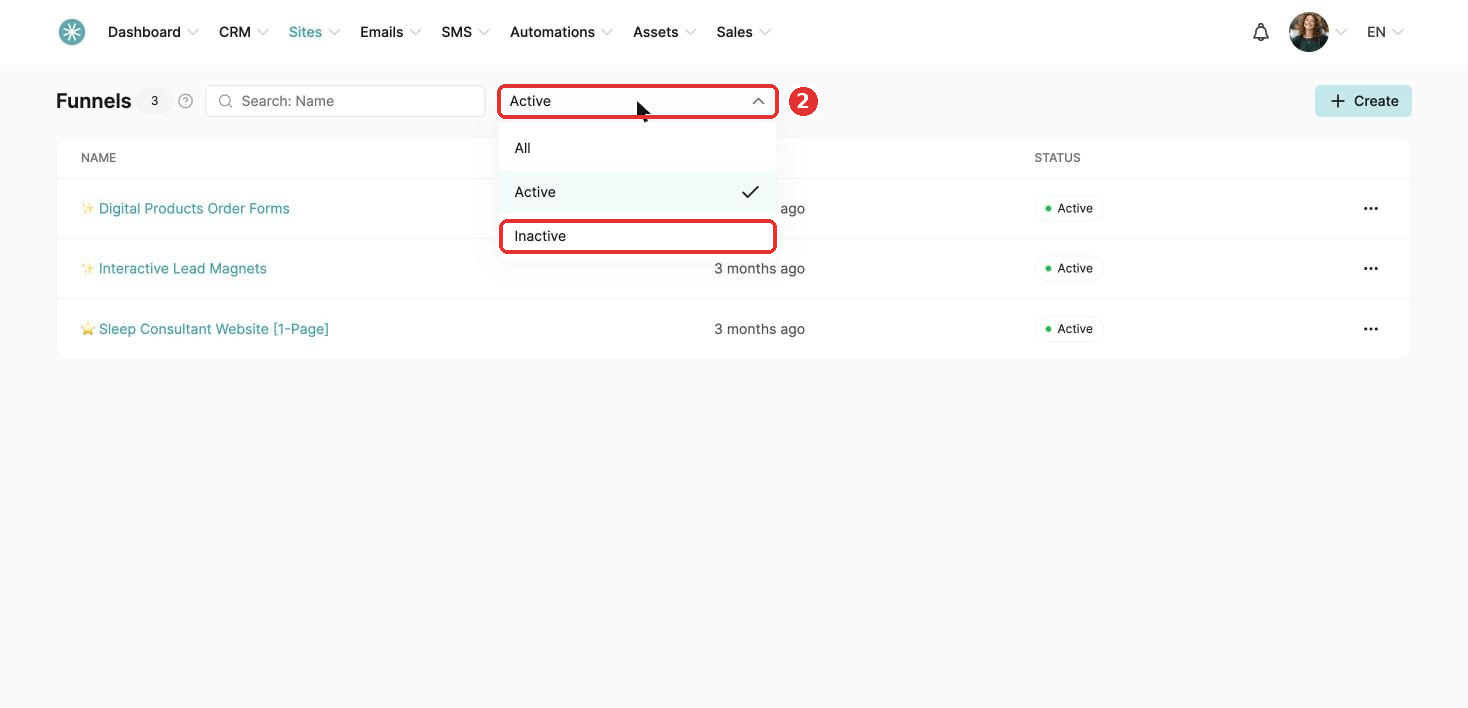
- Choose Inactive in the status dropdown. The list updates straight away.
- Click the three dots next to the funnel and choose Activate.
- Click Confirm. A message at the top of the screen confirms the funnel is active.
Did this answer your question?