
How to deactivate a funnel
Here is how to switch a funnel off, for example when a seasonal offer ends.
- Go to the Sites tab and click Sales funnels.
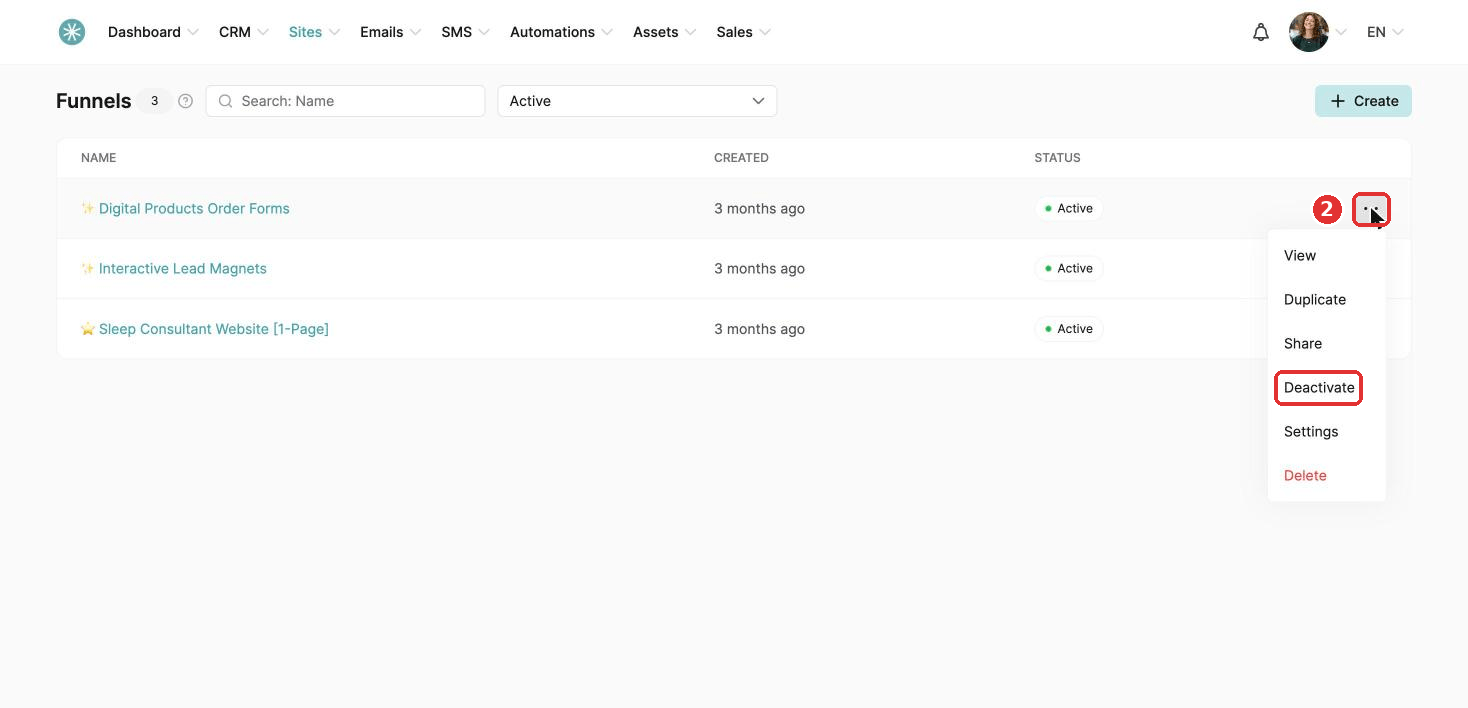
- Click the three dots next to the funnel and choose Deactivate.
- Click Confirm. A message confirms the funnel is inactive.
To show visitors a friendly page instead, see How to set up an inactive page on a deactivated sales funnel.
Did this answer your question?