
How to confirm your email sender address
Before sending from a new email address, confirm it belongs to you.
You will need an email address on your own domain, such as hello@yoursleepbusiness.com.
- Click your profile picture, then Settings, then Account & User, then Emails.
- Scroll to Verified email addresses and click Click here to confirm your email address.
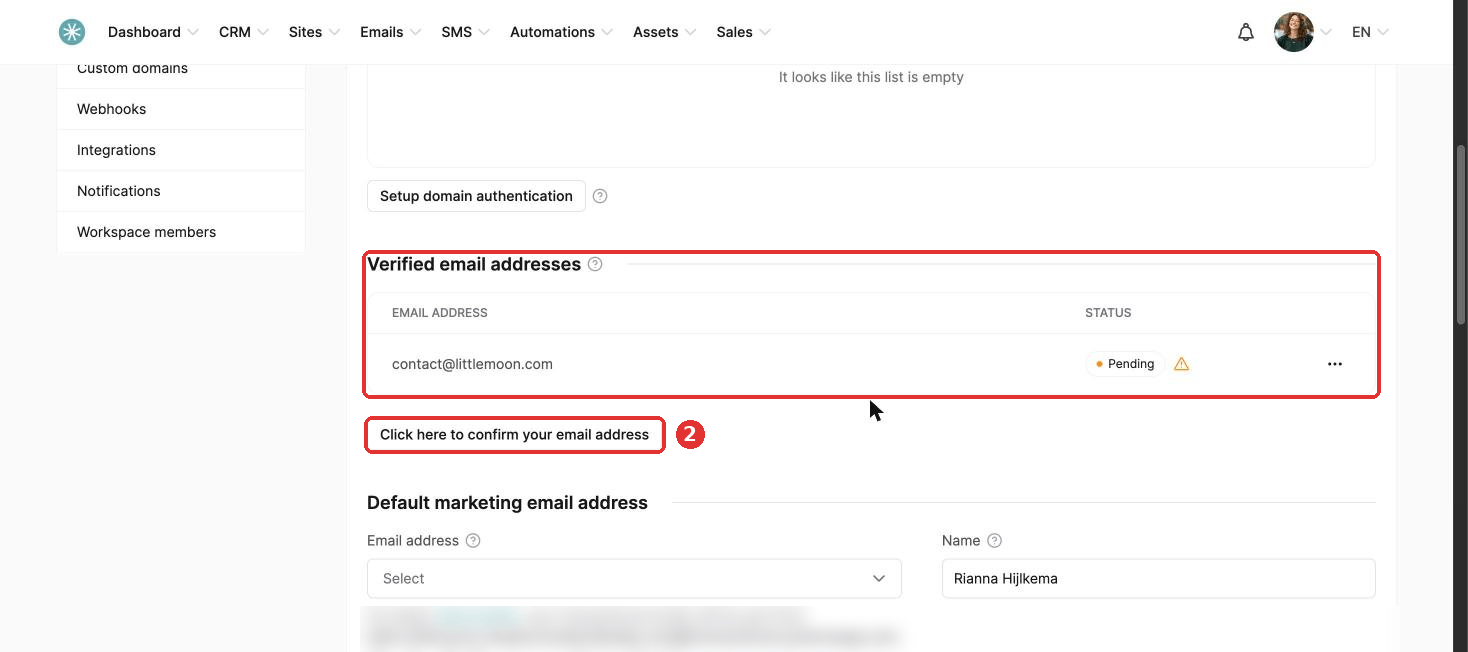
- Enter the address and click Save.
- Open the inbox of this address and click the confirmation link in the email you received.
- Click Confirm on the page which opens.
The address now shows as Verified.
The email you log in with does not need confirming.
To help your emails reach inboxes, authenticate your domain too. See How to authenticate your domain name for email sending.
Did this answer your question?