
How to change the sender's email address
Here is how to change the default address your emails come from.
You will need an email address on your own domain.
- Click your profile picture, then Settings, then Account & User, then Emails.
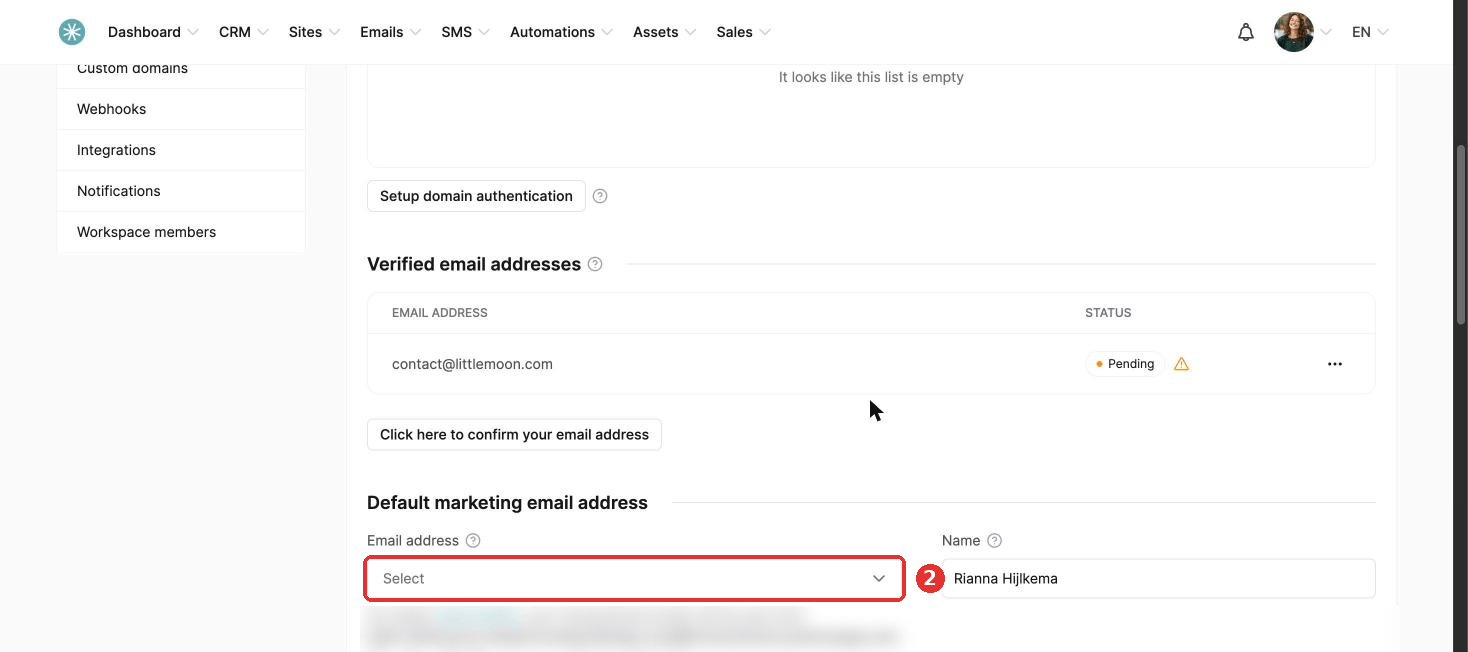
- Under Default marketing email address, choose the new address in the Email address dropdown. Only verified addresses show here.
- Click Save.
This address is used for transactional emails (such as login details and invoices) and for your newsletters and campaigns.
The change only applies to new emails. Update the sender address yourself in emails you already created, such as active automations and scheduled campaigns.
Did this answer your question?