
How to change the sender's name for your emails
The sender name is the name parents see in their inbox. Make it one they recognize, such as your first name and business name.
- Click your profile picture, then Settings, then Account & User, then Emails.
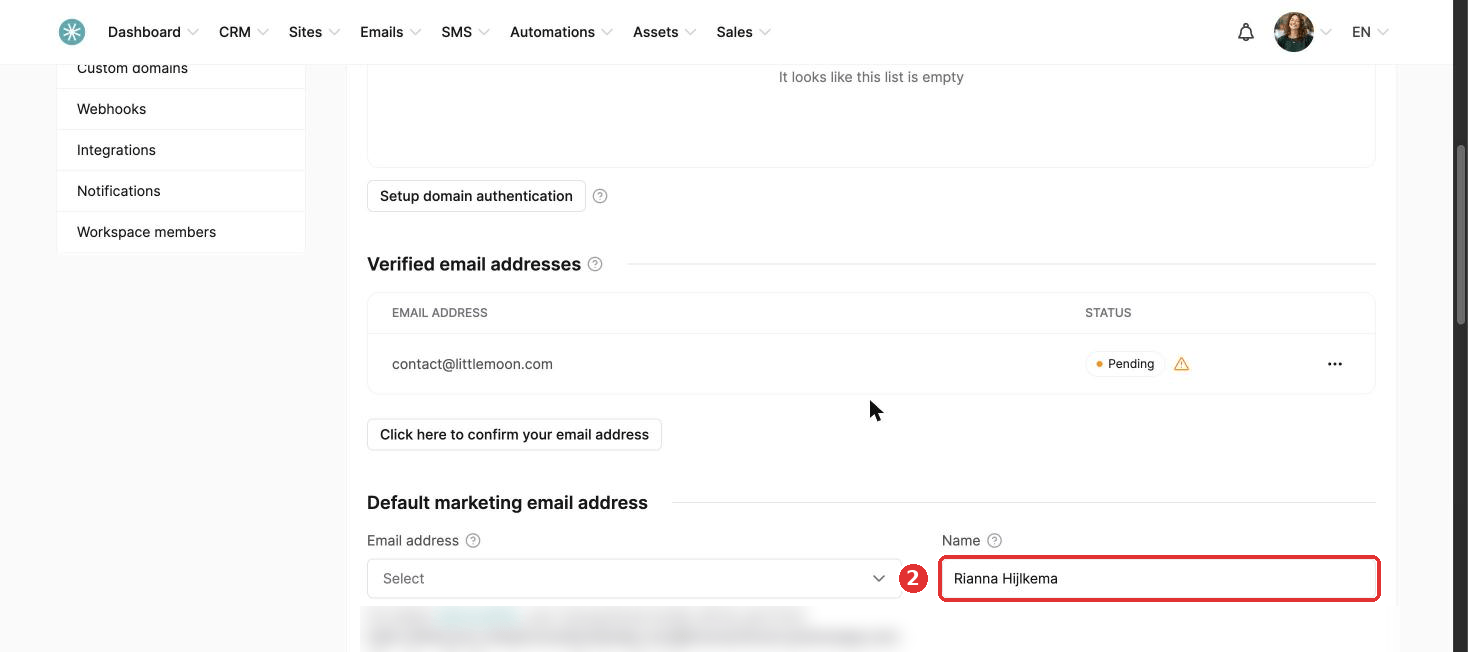
- Under Default marketing email address, enter your name in the Name field. For automatic emails such as login details, also fill in Sender name under Transactional email address.
- Click Save at the top of the page.
You can also change the sender name for a single newsletter or campaign email, inside the email editor.
Did this answer your question?