
How to change a funnel's domain name
Here is how to move a funnel to a different domain.
You will need a domain connected to SleepPRO™ and a funnel.
- Go to Sites, then Sales funnels.
- Click the three dots next to the funnel and choose Settings.
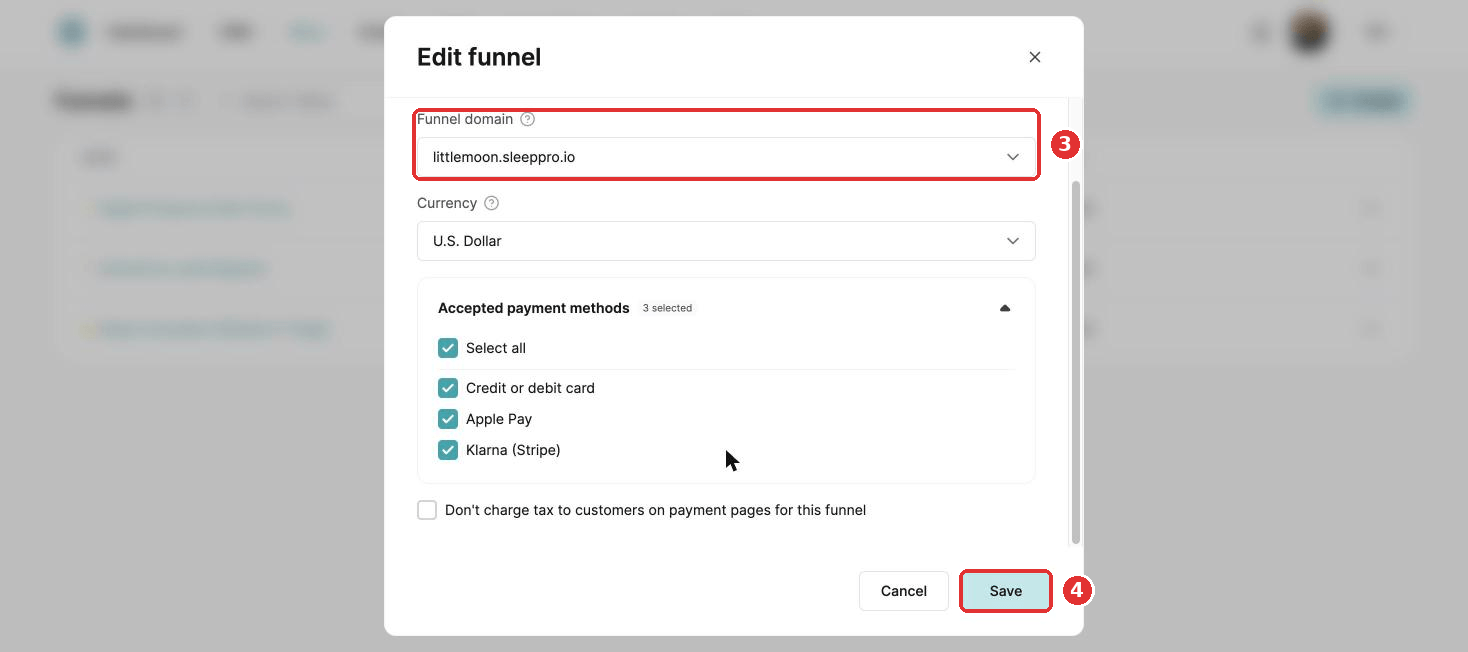
- Choose the new domain.
- Click Save. Every page in the funnel moves to the new domain.
Did this answer your question?