
How to sell community access to your customers
A community is a warm place for the parents you support to connect. Here is how to give buyers access automatically.
You will need a community (see How to create a community), a sales funnel and an order form.
- Select your order form step. Under Choose offer type, pick Digital product.
- Choose Create new product, name it and click Add product.
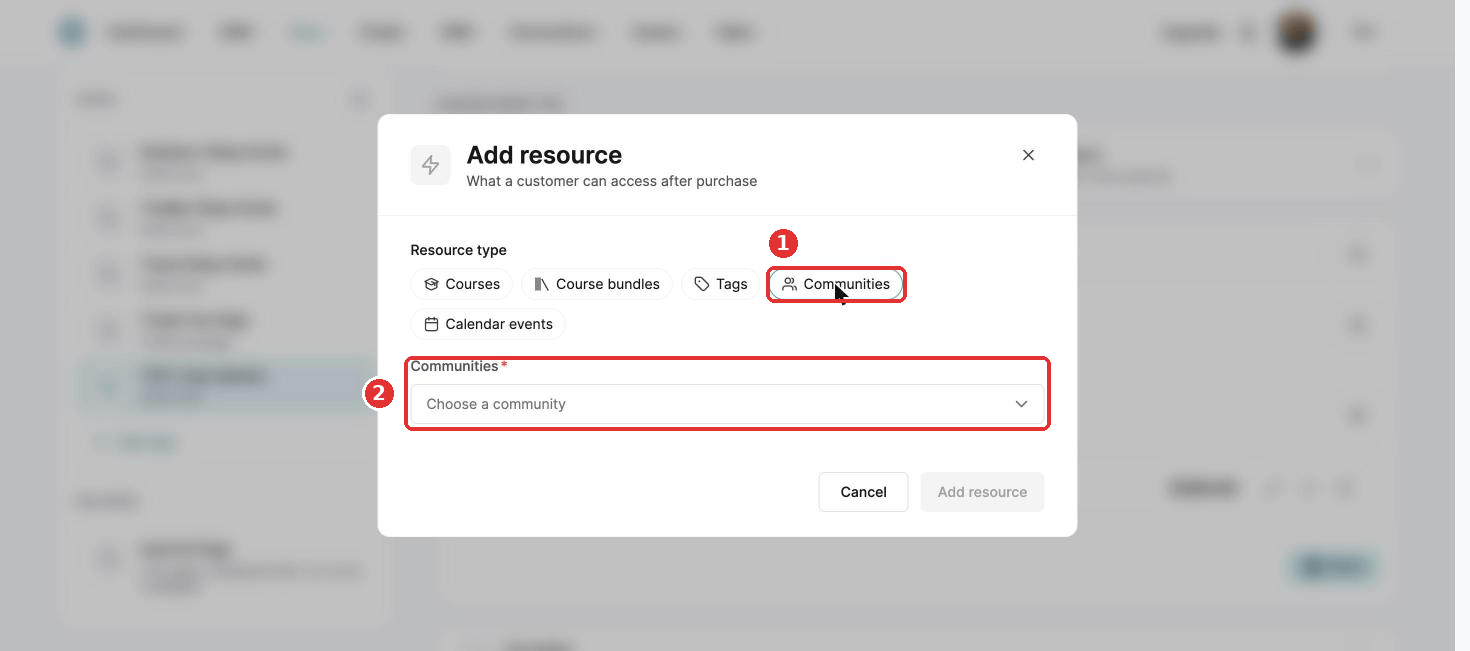
- Click Edit product, then + next to Resources, and choose Communities.
- Click Choose a community, pick yours and click Add resource.
- Click Save.
Add a price plan before you can sell. See How to create and configure a price plan.
When a parent cancels their subscription, they lose access to the community. A refunded one-time purchase removes access straight away.
Did this answer your question?