
How to manually resend your students the access email for a course
A parent cannot find their course email? You can send it again.
- Go to Assets, then Courses.
- Open the Students tab and click the student's email address.
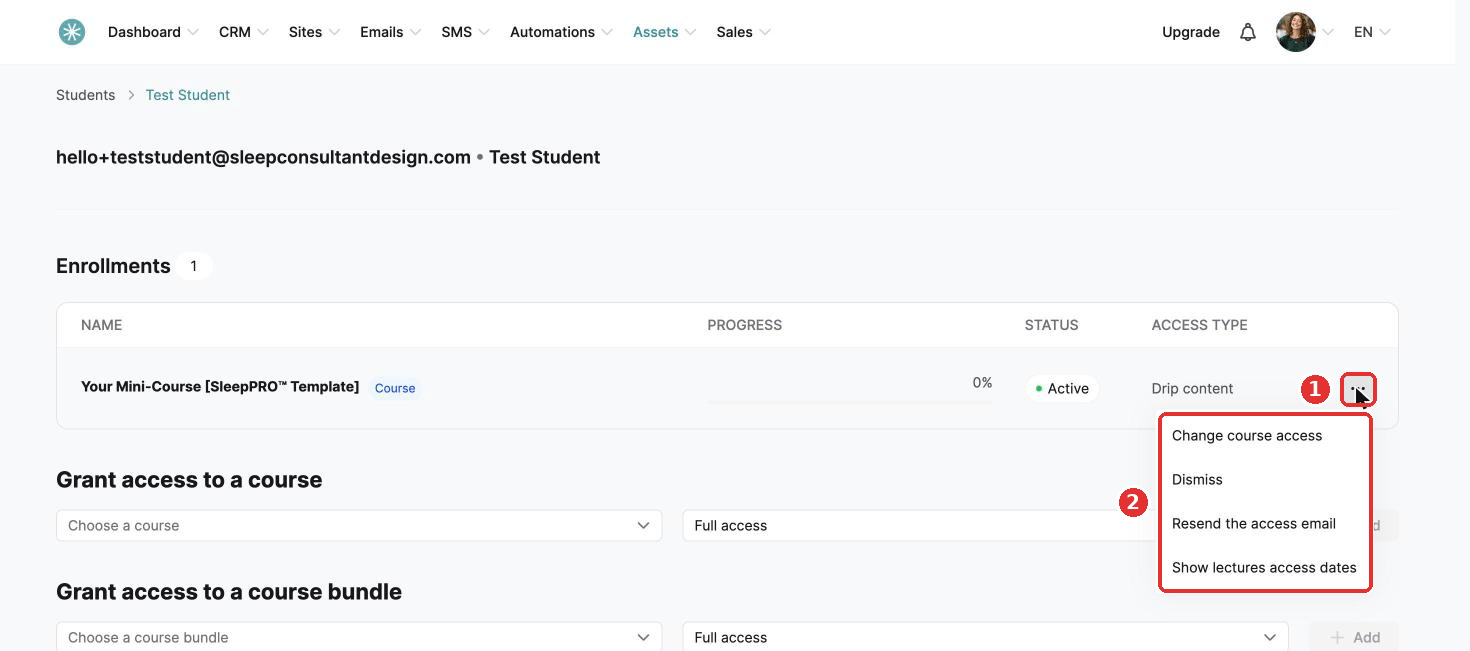
- In the Enrollments section, click the three dots and choose Resend the access email.
A message confirms the email was sent.
Did this answer your question?