
How to disable downloading of audio and video from course pages
Want students to watch and listen without saving your videos and audio? Here is how to turn off downloads.
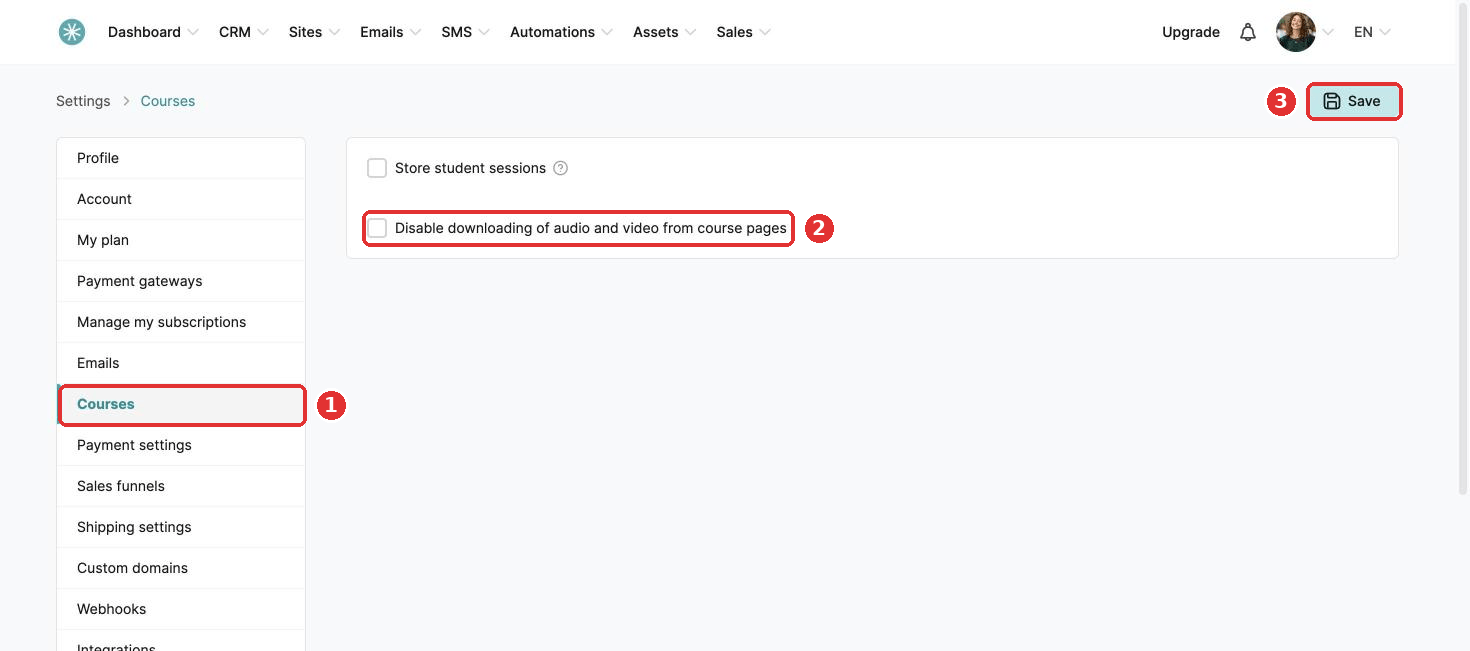
- Click your profile picture, then Settings.
- Click Sales & Marketing, then Courses.
- Tick Disable downloading of audio and video from course pages.
- Click Save.
Students can still play everything, they cannot download it.
This works for classic courses. It does not work for light courses.
Did this answer your question?