
How to delete a tag
No longer using a tag? Here is how to remove it.
- In the CRM tab, click Tags.
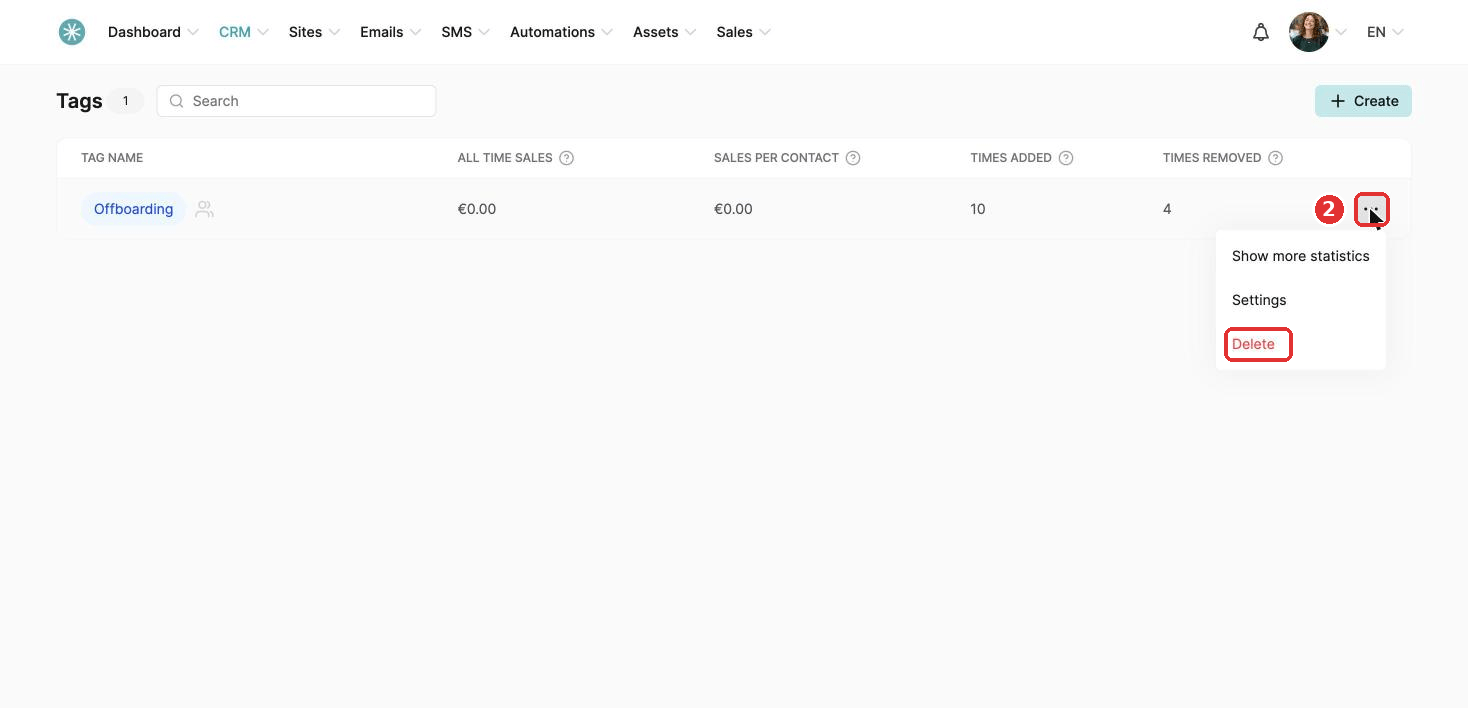
- Find the tag, click the three dots and choose Delete.
- Click Confirm. The tag is deleted for good.
Did this answer your question?
No longer using a tag? Here is how to remove it.
SleepPRO™ support is available 24/7 and usually replies within 12 hours, often sooner.