
How to delete a newsletter
Here is how to delete a newsletter.
- In the menu bar, click Emails, then Newsletters.
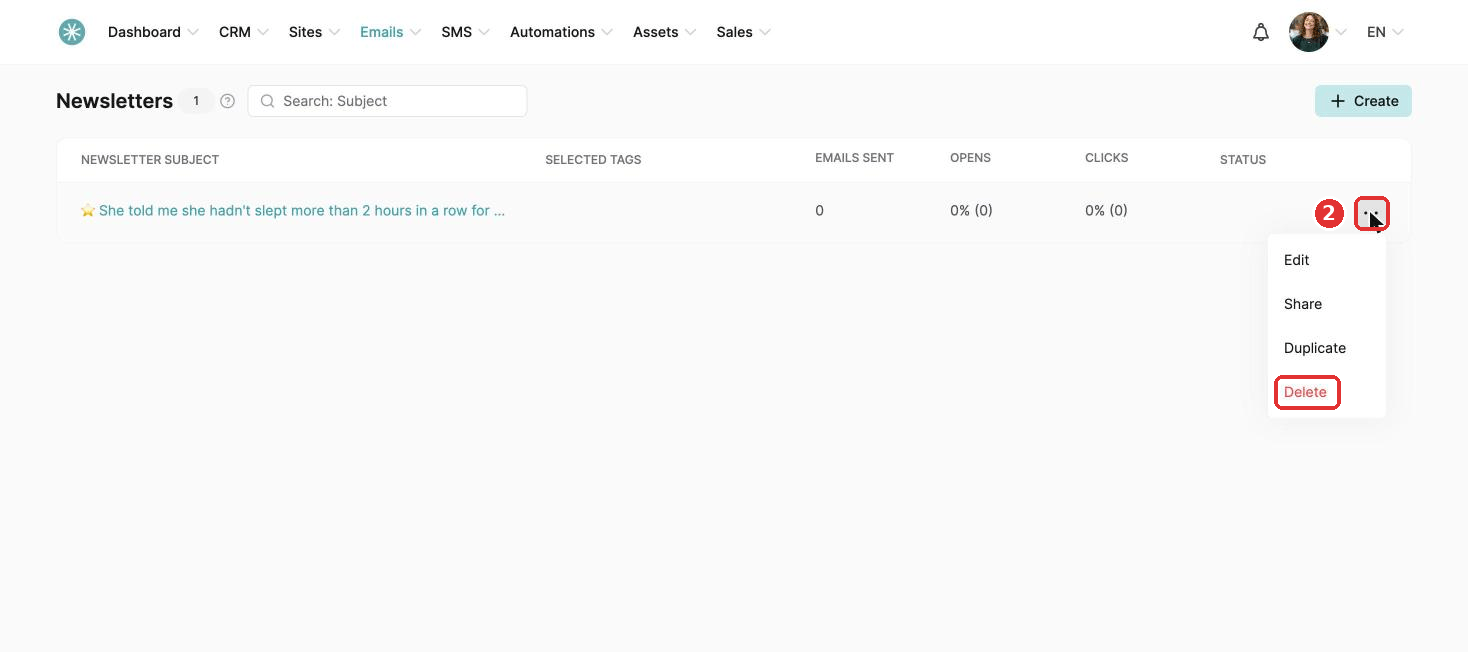
- Click the three dots next to the newsletter and choose Delete.
- Click Confirm.
Deleting a sent newsletter keeps its results. Open rate, click rate, bounces and spam reports stay in your overall statistics.
Did this answer your question?