
How to set up cash on delivery payment on SleepPRO™
Selling a physical product, such as a sleep sack or a printed sleep journal? You can let customers pay cash when it is delivered.
Connect cash on delivery
- Click your profile picture, then Settings, then Payments, then Payment gateways.
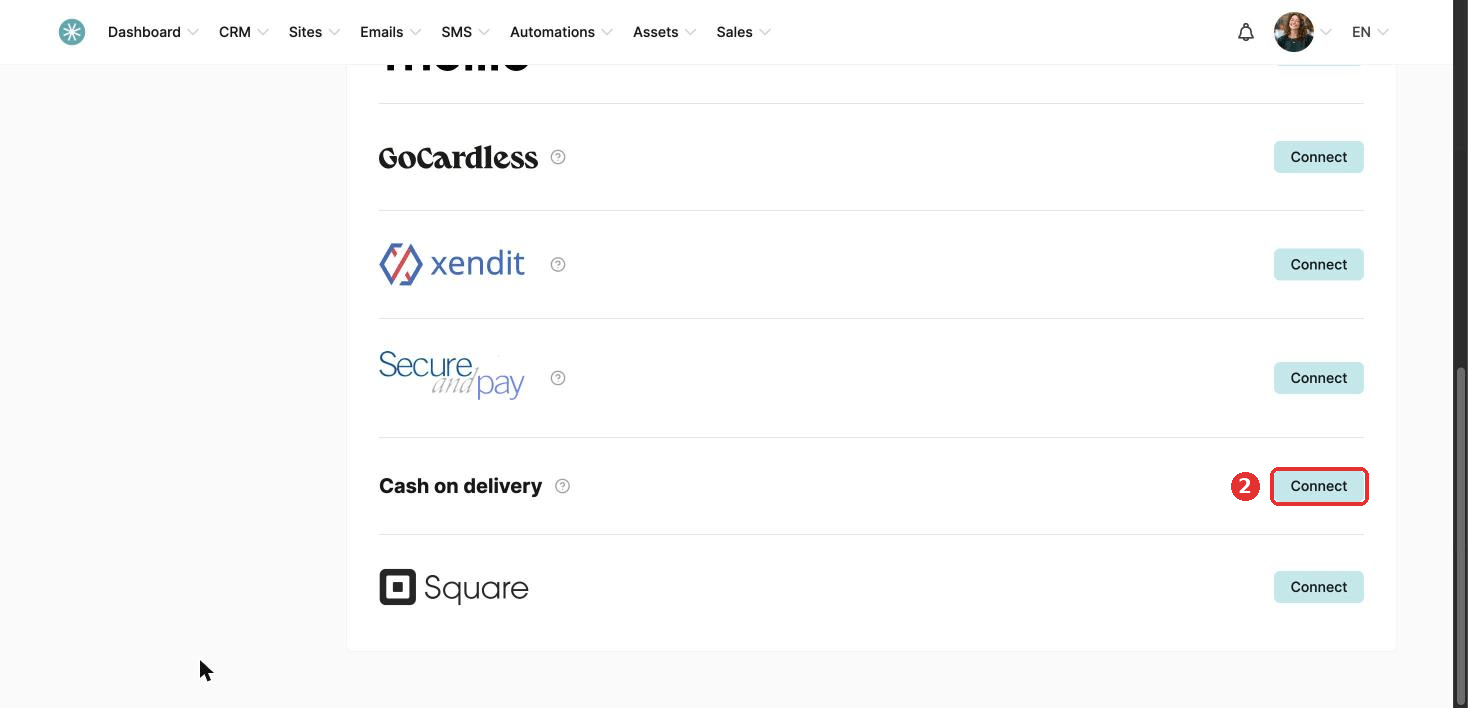
- Find Cash on delivery and click Connect.
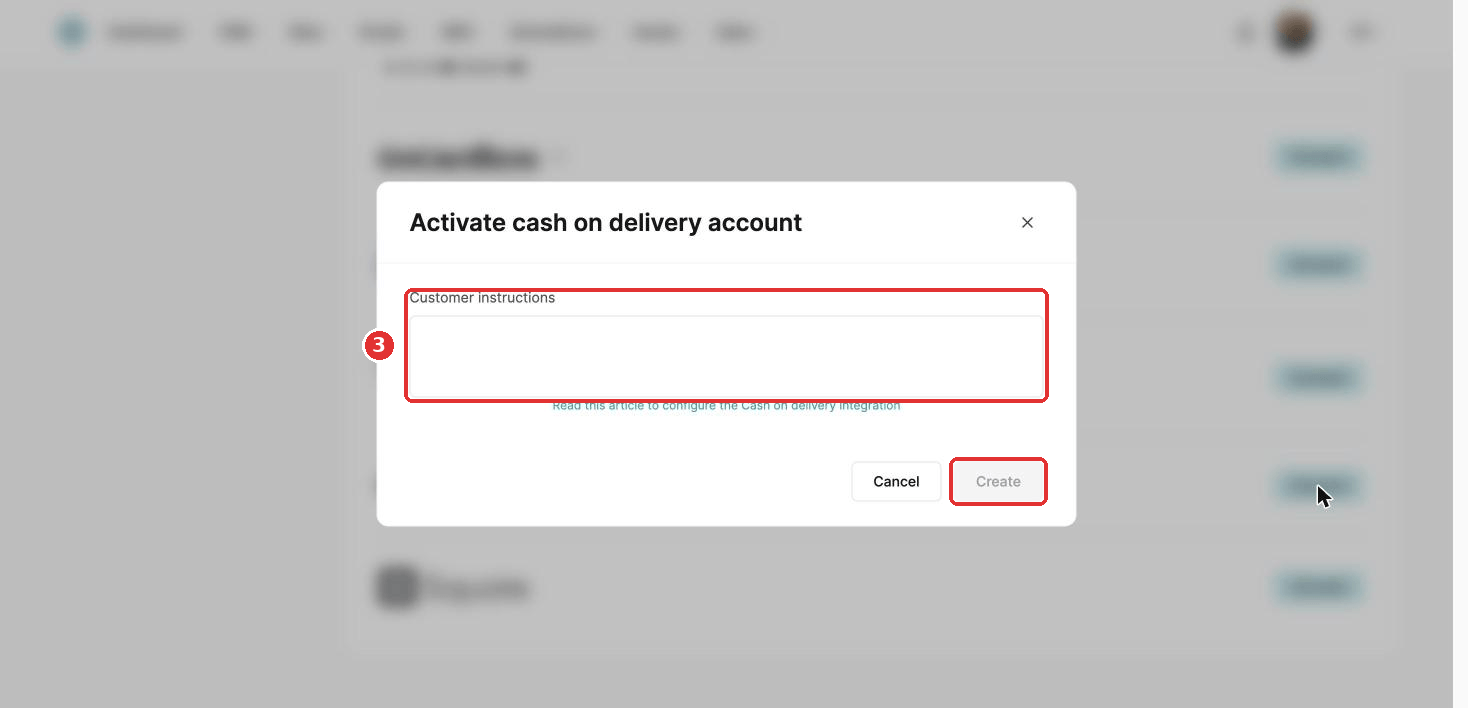
- Add instructions for your customers if you like, and click Create.
It may take a moment to finish connecting.
Turn it on in your funnel
- Go to Sites, then Sales funnels. Click the three dots next to your funnel and choose Settings.
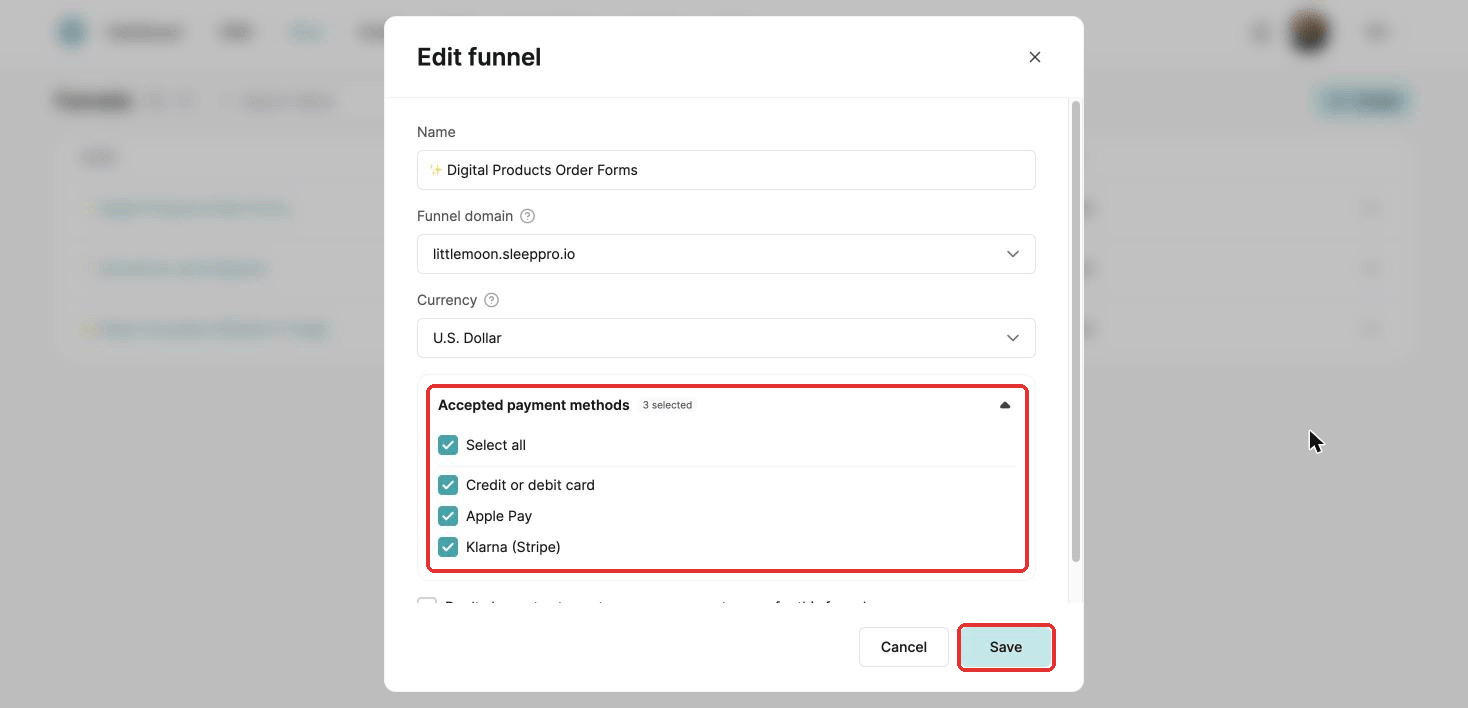
- Under Accepted payment methods, tick Cash on delivery.
- Click Save.
Customers now see C.O.D. as a payment option on your payment pages.
To change the instructions, click Edit customer instructions. To remove cash on delivery, click the trash icon.
Cash on delivery is only available for physical products.
Did this answer your question?