
How to save blocks in the editor
Built a section you love, such as your testimonials or your packages? Save it as a block and reuse it on other pages.
Save a block
- Hover over the section and click the floppy disk icon.
- Give it a name you will recognize later and click Create.
Use a saved block
- Open the editor of another page.
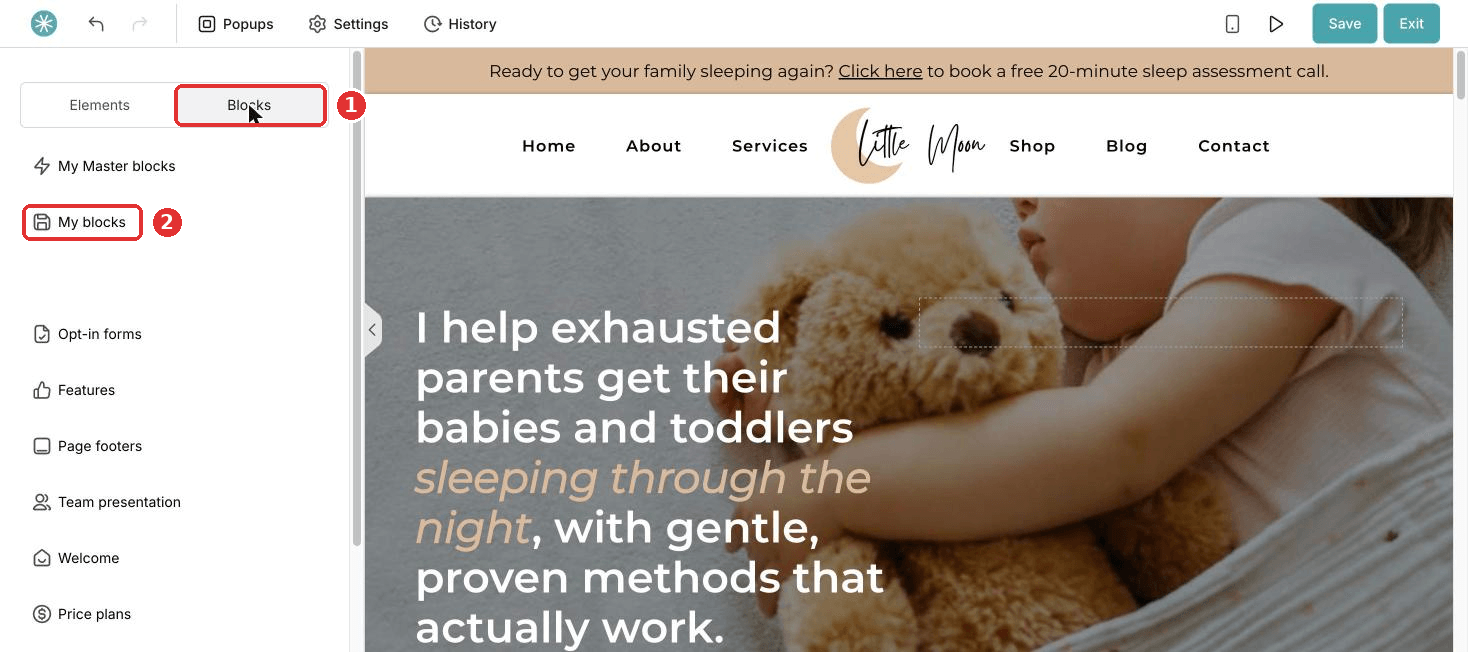
- Click Blocks, then My blocks.
- Drag your saved block onto the page.
Did this answer your question?