
How to receive invoices automatically
Here is how to have your subscription invoices emailed to you automatically.
You will need an active subscription.
By default, invoices go to the customer's company, not to the individual. To receive them yourself:
- Click your profile picture, then Settings.
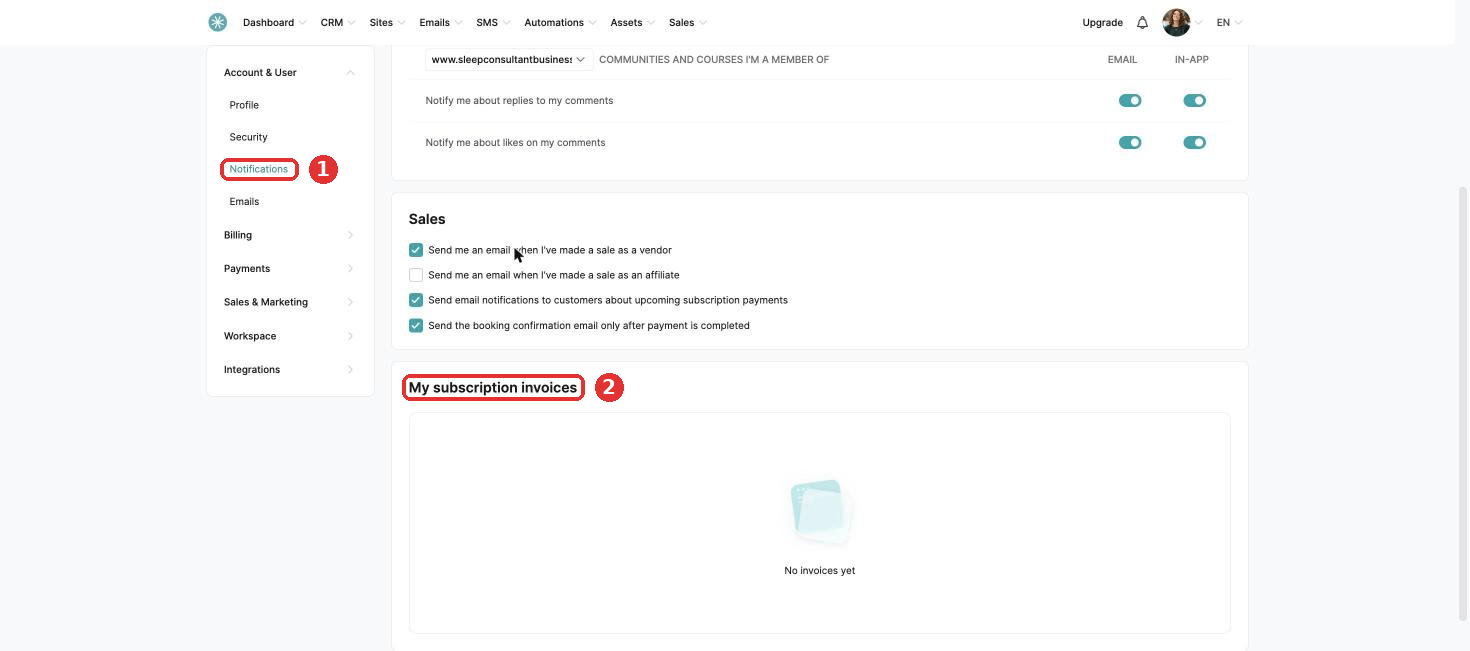
- Click Account & User, then Notifications and scroll to My subscription invoices.
- Tick the box next to each subscription you want invoices for.
Did this answer your question?