
How to manually subscribe a contact to an email campaign
Here is how to add contacts to a campaign yourself.
You will need a campaign (see How to set up an email campaign) and contacts.
- In the CRM tab, click Contacts.
- Tick the contacts you want to add.
- Click More in the bar at the bottom, then Subscribe to campaign.
- Choose the campaign and the step where they should start.
- Click Subscribe.
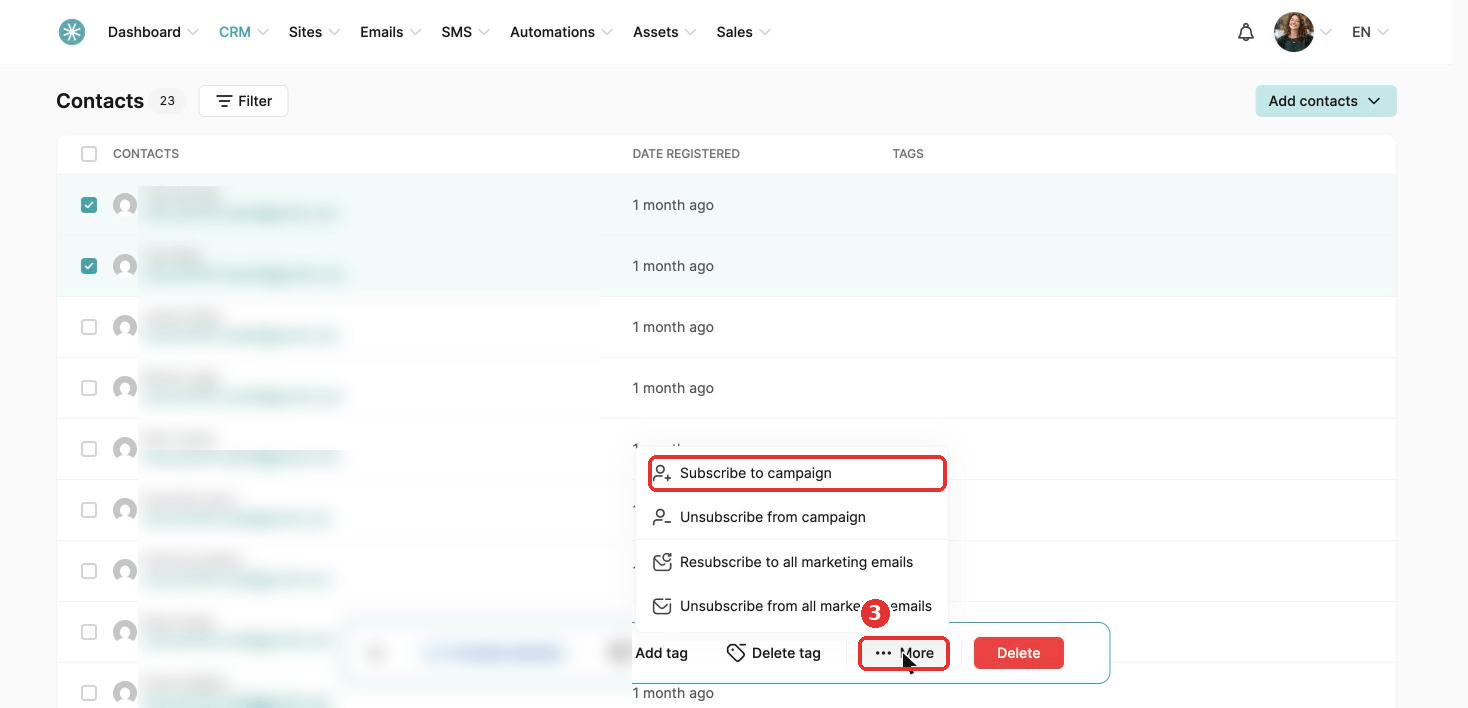
To take contacts out of a campaign, choose Unsubscribe from campaign in the same menu.
Did this answer your question?