
How to integrate GoCardless with SleepPRO™
Here is how to connect GoCardless, for direct debit payments.
You will need a GoCardless account.
1. Connect GoCardless
- Click your profile picture, then Settings.
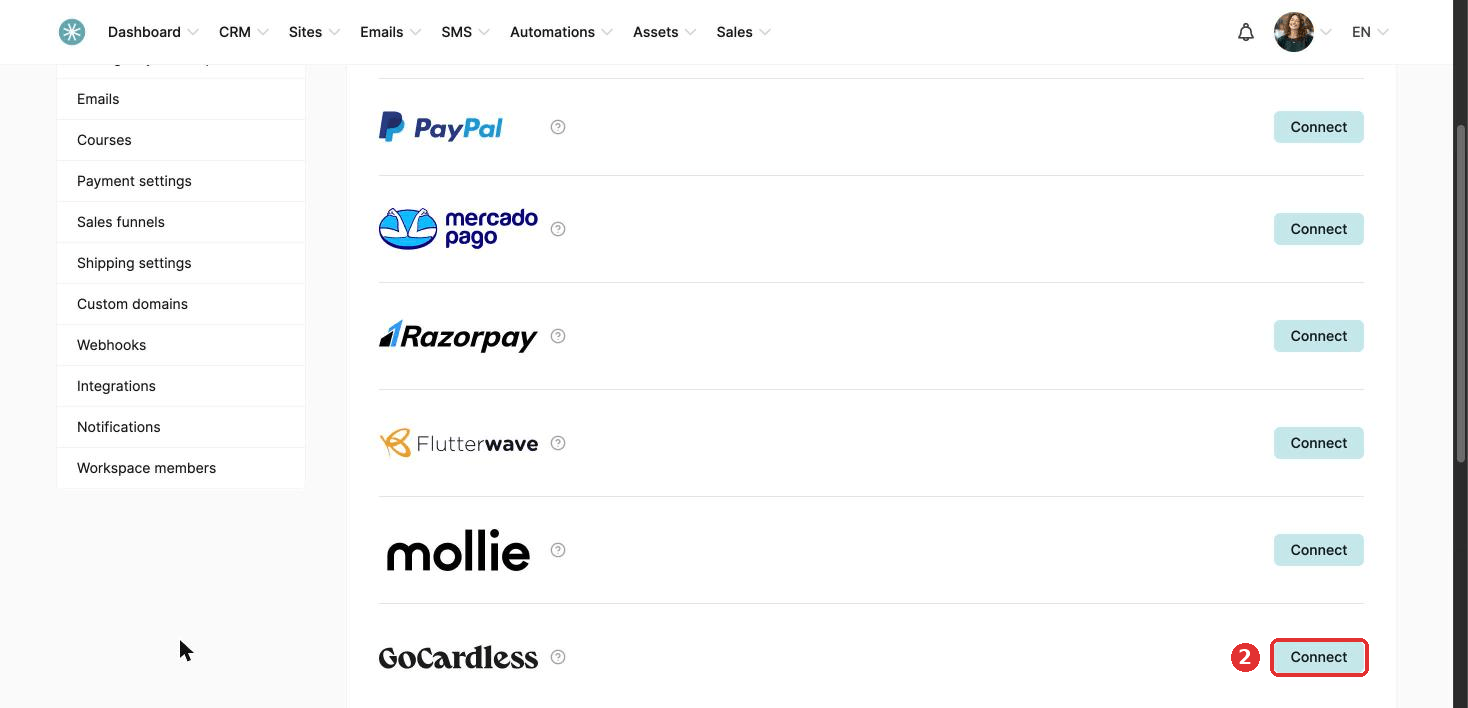
- Click Payments, then Payment gateways, then Connect next to GoCardless.
- Log in to GoCardless, or sign up with your details and a password.
- Fill in your company name, work phone number, country and business type.
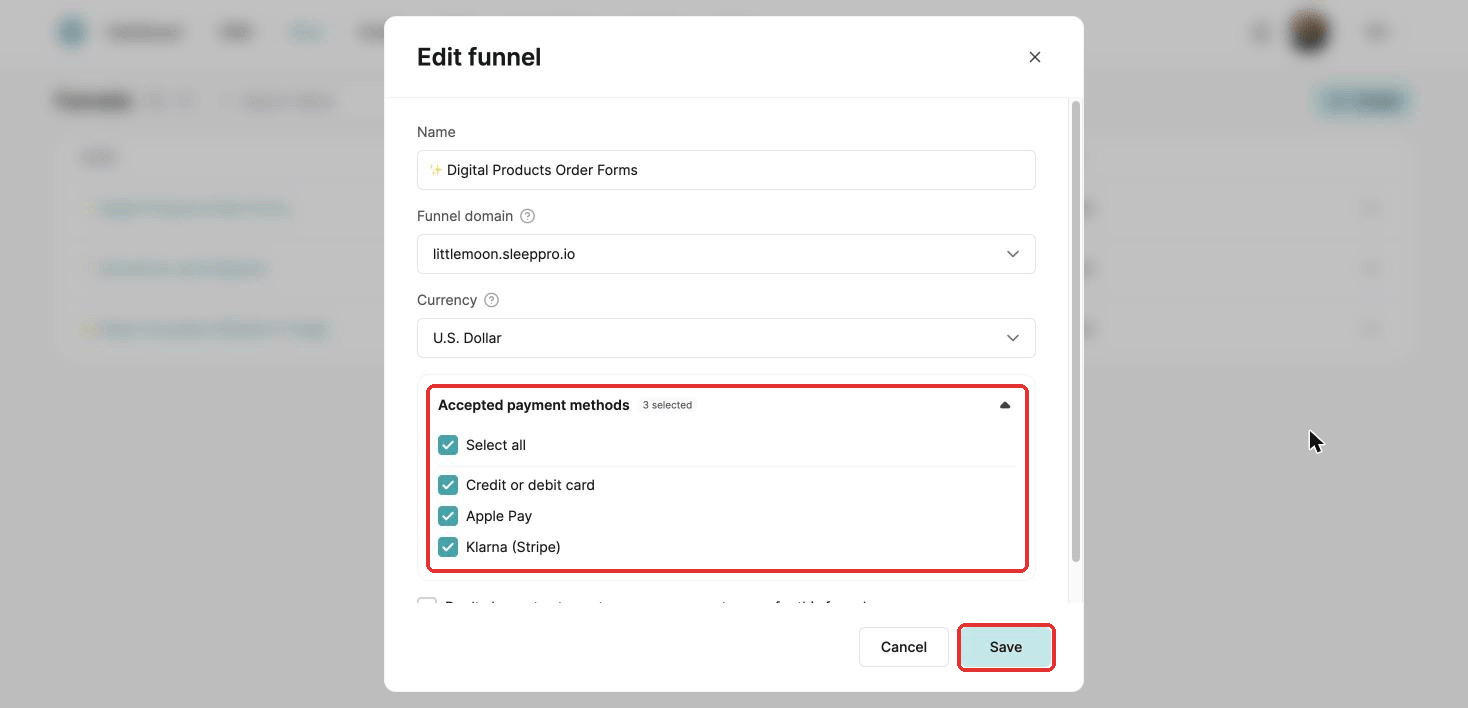
- Open your funnel settings: go to Sites, then Sales funnels, click the three dots next to your funnel and choose Settings. Under Accepted payment methods, tick GoCardless and click Save.
Your form needs the Email field, or GoCardless cannot process the payment.
2. Currencies and restrictions
- Buyers: Great Britain, SEPA and the eurozone, Sweden, Denmark, Australia, New Zealand, Canada and the United States.
- Subscriptions: yes, through direct debit.
- Currencies: AUD, CAD, DKK, EUR, GBP, NZD, SEK and USD.
- Your GoCardless account must be set up to collect from the countries you sell to.
When a payment fails
Three attempts are made. The timing depends on the customer's bank. You can lower the number of attempts and change the delay per currency in GoCardless, and SleepPRO™ follows your settings.
Did this answer your question?