
How to create a custom error page (404 page)
A friendly 404 page helps parents who land on a link which no longer works, and points them back to your website.
- Click your profile picture, then Settings.
- Click Integrations, then Custom domains, then the three dots next to your domain, and choose Settings.
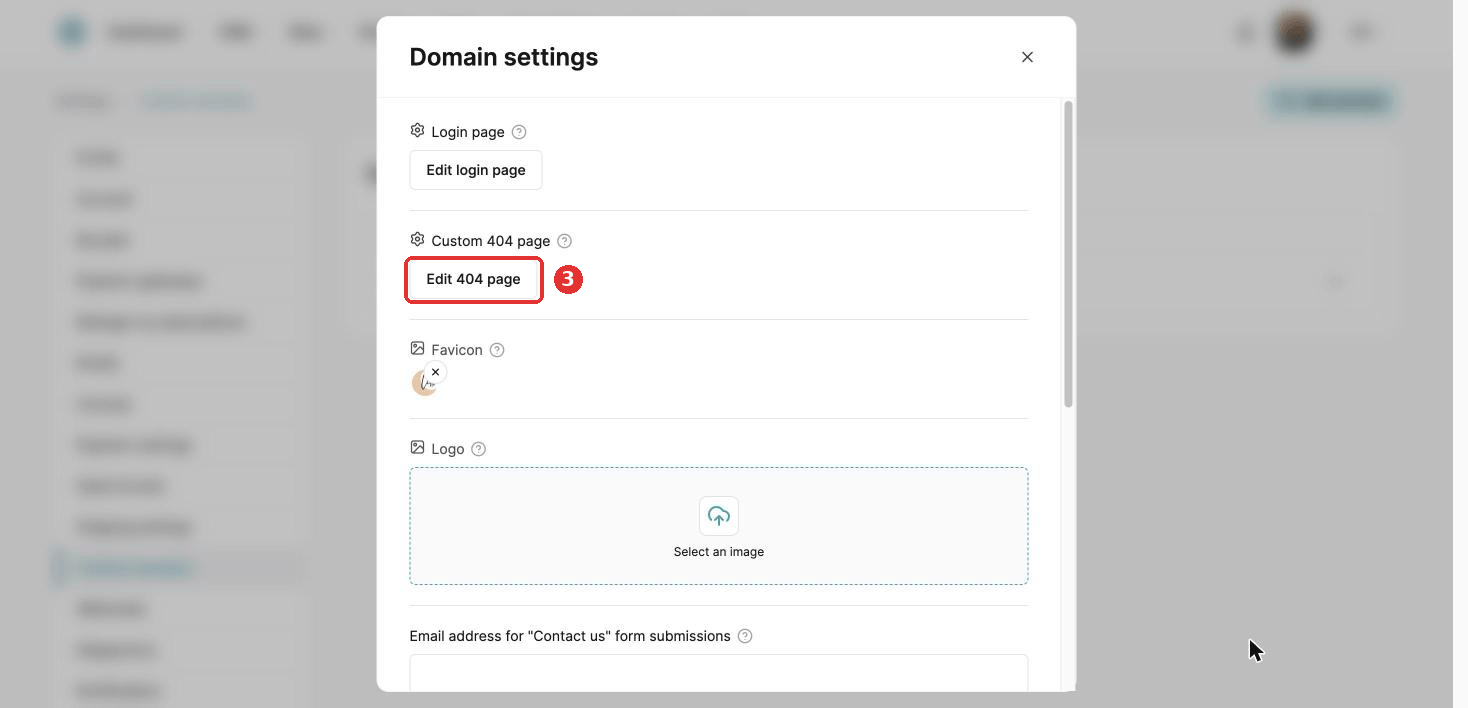
- Click Edit 404 page.
- Drag elements onto the page and style them, for example a short message and a button back to your homepage.
- Click Save.
HTML code does not show in Preview mode, only on the live page.
Did this answer your question?