
How to control your page's visibility on search engines
You decide whether Google and other search engines can show your page in search results.
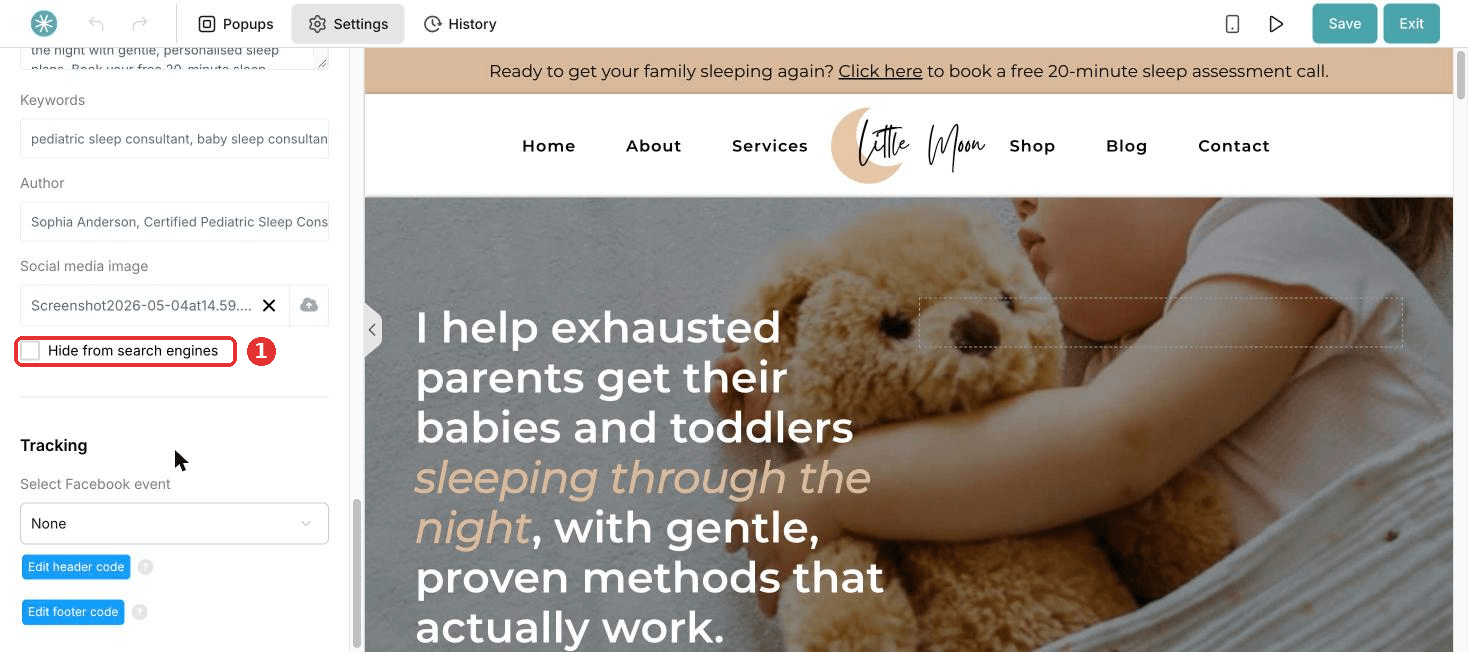
- Open the page editor and click Settings at the top left of the panel.
- Scroll to Search Engine Optimization (SEO).
- Tick Hide from search engines to hide the page, or untick it to let it show.
Did this answer your question?