
How to change the currency of an existing sales funnel
Here is how to change the currency of a funnel, for example from euros to US dollars.
- Go to Sites, then Sales funnels. Click the three dots next to your funnel and choose Settings.
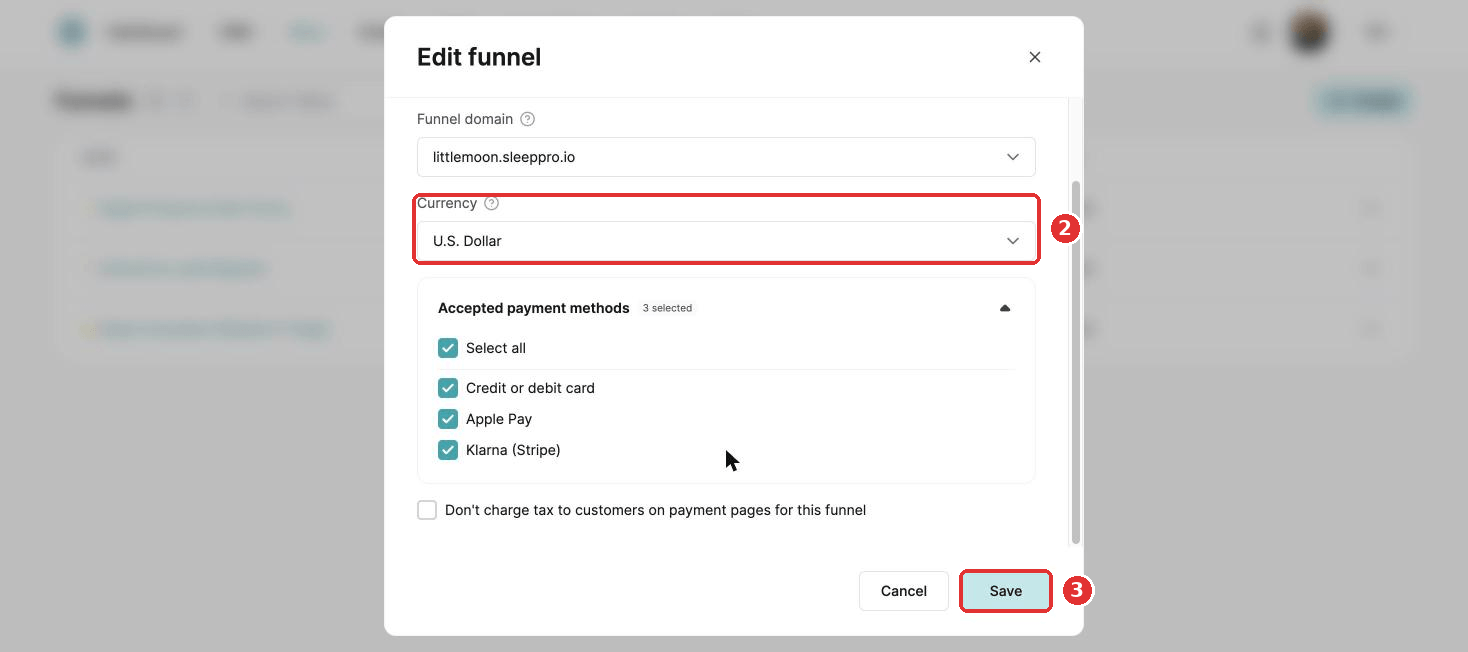
- Choose the new currency.
- Click Save.
Changing the currency disconnects every product, coupon and price plan from your order forms, upsells and downsells. Set them up again afterwards.
Did this answer your question?