
How to add the X share button to a page
Let parents share your page on X with one click.
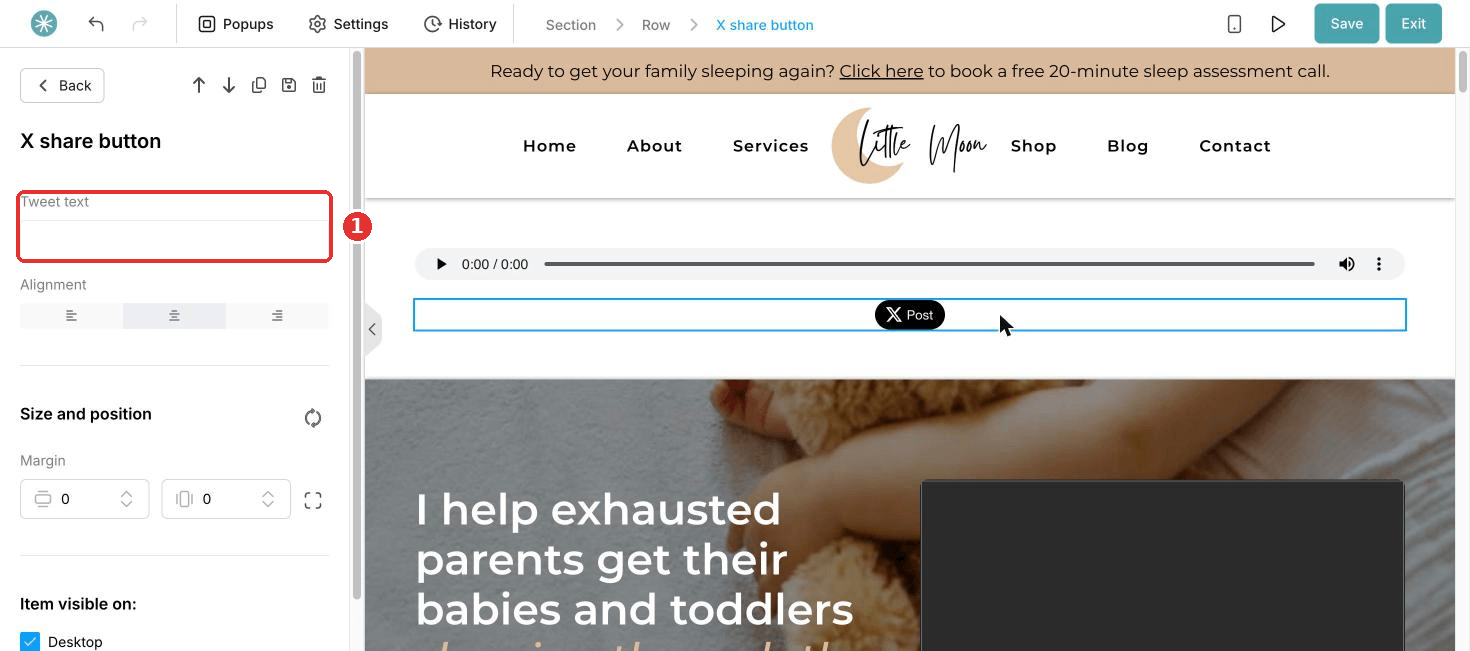
- In the page editor, drag the X share button element onto your page.
- Click the settings icon.
- Enter the text of the post in Tweet text.
- Click Save.
Once you save, the previous version of the page cannot be restored.
Did this answer your question?